

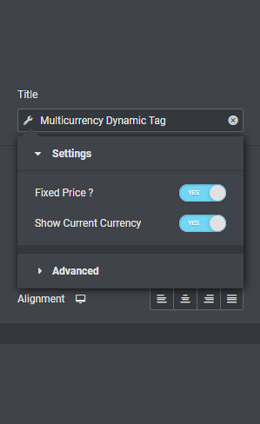
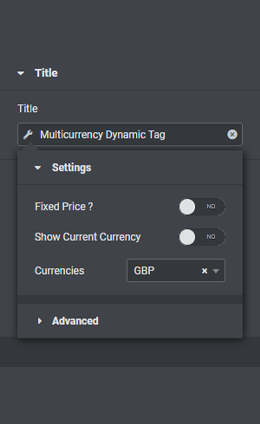
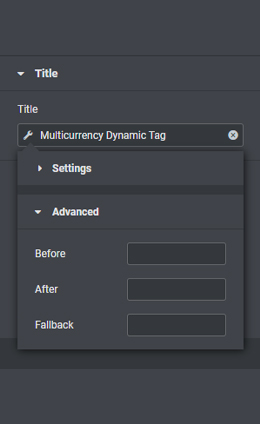
This Dynamic Tag with a dependency on WooCommerce‘s Multi-Currency extension lets you dynamically fetch and utilize the price from any set currency. Using WooCommerce’s extension comes in handy when servicing multiple currencies across multiple countries, and it even has a way to calculate exchange rates and keep them always up to date.
That is indeed great but without a ready-made Dynamic Tag, fetching those prices per currency and displaying them anywhere you’d want is not always exactly straightforward.
The Multicurrency Dynamic Tag is as simple as it gets. After choosing the tag in your widget of choice, toggling on Fixed value will show the value in a specific currency, which is set manually in the WooCommerce product post type editing. Leaving every setting on default, it will show the WooCommerce default currency that should also be set to default in the 3rd party plugin.




Looking for a lifetime deal?